 NimbleMap
Free · Mac & Windows · offline
GeoJSON viewer
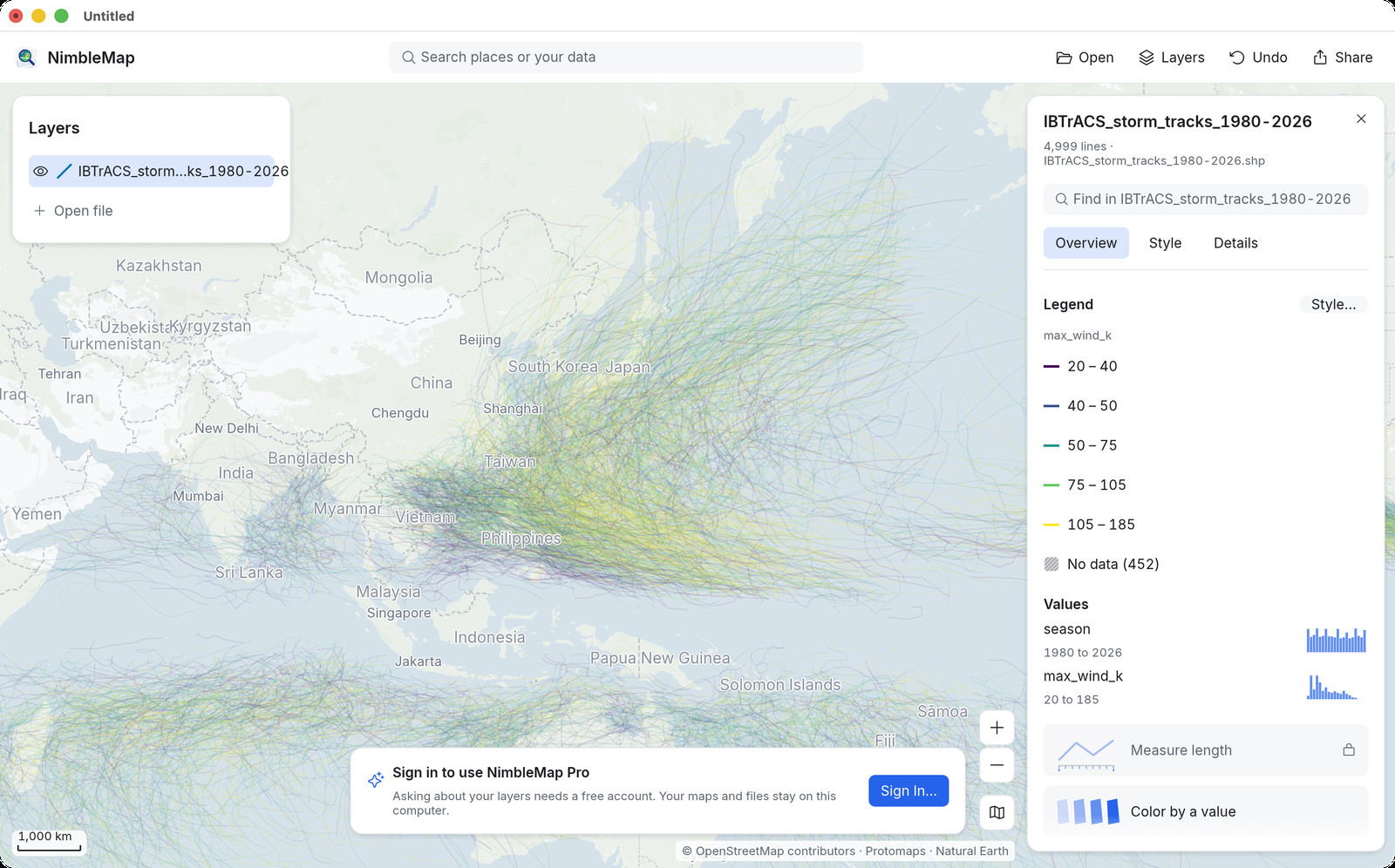
Open GeoJSON (.geojson / .json) as a map in one drop. Free for Mac and Windows. Drag and drop; files stay on your computer. Prefer desktop when files are large or should stay local.
How · .geojson / .json
Drag it open on Mac or Windows
Drag the .geojson into NimbleMap. Features land on the map with their properties in a table. Stack a Shapefile, GeoTIFF or CSV on top when you need more context.
Why not a browser tab or QGIS
Free, local, and enough for a look
Browser GeoJSON viewers (geojson.io and friends) own the online head. NimbleMap wins when you want a desktop GeoJSON viewer — offline, no upload, and the same file stacked with other formats without leaving the app. QGIS is overkill for a quick look.
Questions
Common questions
Is there a free GeoJSON viewer for Mac or Windows?
Yes. NimbleMap opens .geojson with a drag. Free, local, no account.
GeoJSON viewer online vs desktop?
Use the browser demo for a quick peek. Download the desktop app when files should stay offline or you want to overlay CSV, Shapefile or GeoTIFF.
Do I need QGIS to open GeoJSON?
No. Drag it into NimbleMap — no project setup.
Can I open GeoJSON without uploading?
Yes. Drag the .geojson/.json into NimbleMap or the browser try; nothing is uploaded for viewing.
Free GeoJSON viewer for Mac or Windows?
Yes. NimbleMap is free; no account to open files.
GeoJSON vs Shapefile in NimbleMap?
Both open as map layers. Use whichever file you downloaded.
Does it work offline?
Yes for the file. Basemap tiles need network only if you want them.
Can I view GeoJSON attributes?
Yes. Attributes show in a table and on a card when you click a feature.
Need QGIS for GeoJSON?
Not for a quick look. NimbleMap is for open and see without a GIS project.
Browser GeoJSON viewer that keeps files local?
Use https://nimblemap.app/ — processing stays on your device.
Also see: Shapefile viewer · GeoTIFF viewer · GeoJSON viewer · GeoPackage viewer · NetCDF viewer · CSV to map · vs QGIS